

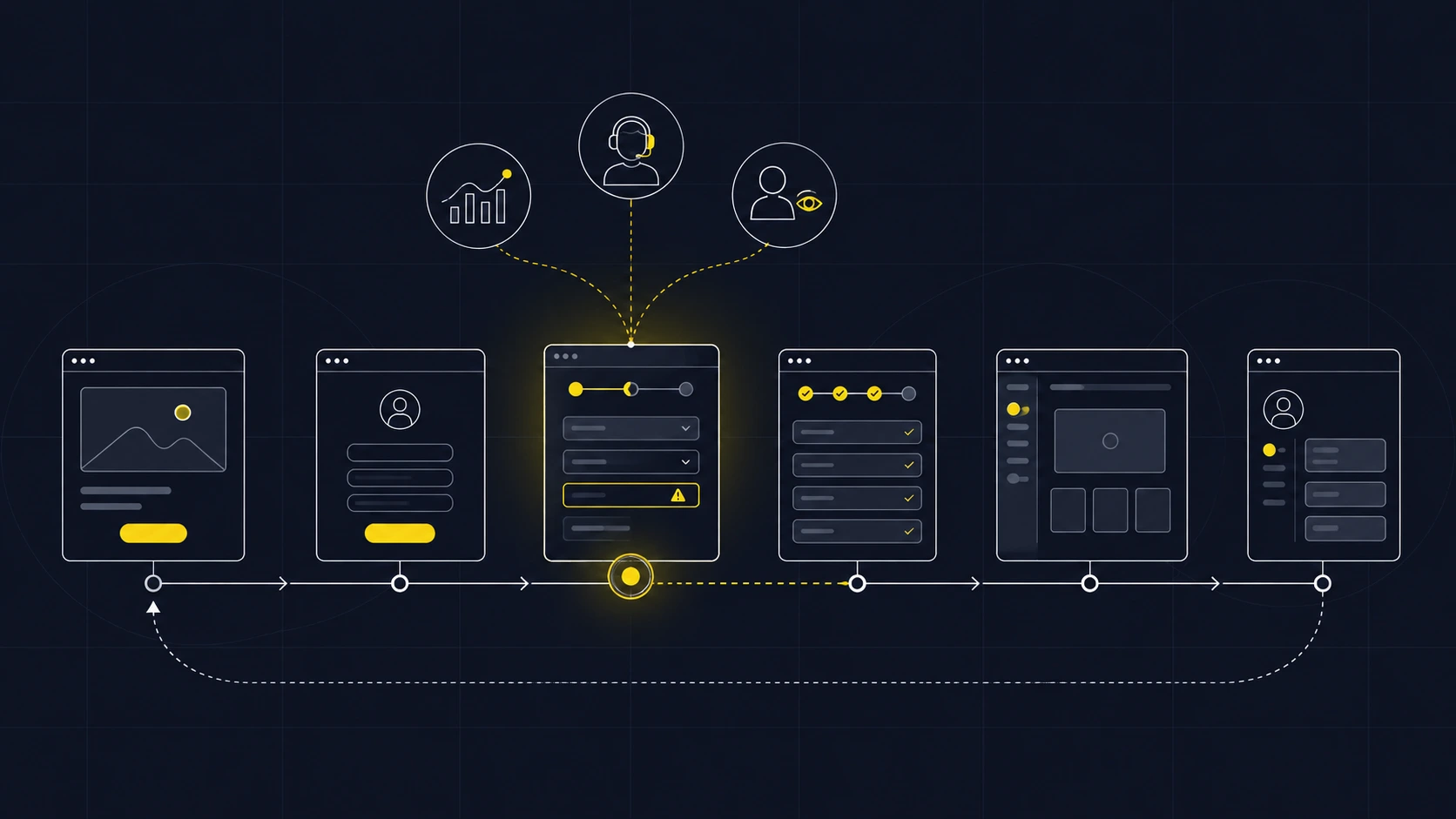
What should a UX audit actually answer?
A UX audit is a focused review of how people move through a product. It combines what the team can observe in the interface with evidence from real use: where people leave, where they ask for help, and where a task takes more effort than expected.
For a complex digital product, the useful output is a set of decisions. Which journey matters most? What friction can we verify? What should change first? How will we know whether the change helped? A list of visual inconsistencies alone cannot answer those questions.
Consider an operations dashboard with a polished home screen. New customers may still struggle to add their first data source, recover from an error, or understand whether a report is ready to share. Those moments sit across copy, flow, system behaviour, and code. The audit needs to follow the work people came to do.
An audit is useful when sign-ups do not reach the first meaningful action, support requests cluster around the same task, users work around the interface, or a team is considering a redesign without a clear diagnosis.
Start with one user and one important journey.
“Audit the whole product” is too broad to produce a sharp first decision. Begin with a person, the outcome they need, and the path that should get them there. For example: a new account owner connects a data source and creates the first useful report. That sentence gives the team a start, an end, and a reason the journey matters.
Write down the question before opening a design file. “Why do new customers stop during setup?” invites investigation. “How should we redesign setup?” assumes the solution before the problem is known.
- Define the actor: whose task is this, and what do they already know?
- Define success: what action shows that they received value?
- Set boundaries: include the page that makes the promise and the first return visit, not only the screen where a problem was reported.
For products with several user roles, repeat this exercise for each role instead of merging their needs into one fictional “average user.”
Bring different kinds of evidence together.
A drop in a funnel shows where people stop. It does not, by itself, explain why. A useful UX audit compares several sources and marks the gaps between them.
- Product data: journey completion, repeat use, and drop-off by step or user segment, if those events are reliably tracked.
- User language: support tickets, sales calls, feedback, and the words people use when they describe the task.
- Observed behaviour: moderated task sessions, recordings collected with appropriate consent, or a direct walkthrough with someone outside the product team.
- Interface and implementation: confusing states, missing feedback, inaccessible controls, slow or unstable steps, and places where the design promises something the system cannot yet do.
Record the source next to each finding. “Users cannot find Export” is a claim. “Three participants looked in Settings before finding Export in the report menu” is an observation with a scope. A later test may show that a different label, menu location, or expectation caused the problem.
If the data is missing or the sample is small, say so. An audit can identify a strong hypothesis without presenting it as a measured fact.
Review the journey, not a collection of screens.
Walk the chosen path as a real user would, including interruptions and return visits. The following checklist keeps the review tied to decisions people need to make:
- Promise: does the first page explain the outcome in the user's language? Can a person tell whether the product is for them?
- Commitment: what must someone provide before seeing value? Are the reason and next step clear?
- Setup: can they tell what has been completed, what remains, and how to recover when a connection fails?
- Core task: is the next action visible? Does the product show the result and its current state?
- Exception: what happens when data is missing, a permission is denied, or the person changes their mind?
- Return: on the next visit, can they understand what happened and continue without rebuilding context?
Check these moments on a phone and desktop when both matter to the audience. Include the words, feedback, loading states, and actual behaviour. A clear mockup can still lead to a frustrating task if the shipped flow behaves differently.
Prioritize by impact and confidence.
Give each finding four labels: the task affected, the consequence, the evidence, and the effort to investigate or fix it. This makes the discussion more useful than ranking problems by how unattractive a screen looks.
A blocker on a common, valuable task with clear evidence usually deserves attention first. A serious concern with weak evidence deserves a small test before a large build. Cosmetic changes can wait when they do not remove friction from the journey.
Hypothetical: account owners leave setup after a failed data connection. The interface only says “Something went wrong.” First, confirm the frequency and causes in logs and support requests. Then test a state that explains what failed and offers a safe retry. Measure successful connections and repeat support contacts afterward.
The distinction between observation and explanation matters. If a step has low completion, the fix might be clearer copy, a change in order, a technical repair, or a different promise made earlier. The audit should keep those possibilities open until the evidence narrows them.
Make the audit easy to act on.
A useful final document gives a product team a short list of decisions they can make now. For every priority finding, include the affected journey, a screenshot or step, the evidence and its limits, the likely cause, a proposed next action, and a way to check the result.
Some actions are small: change a label, show a missing state, repair a failed flow. Others need research or engineering before design can be confident. If several core journeys break because the product's structure no longer matches how people work, the audit can provide a clear brief for a wider redesign.
A good audit does not end with a score. It gives the team a reason to act and a way to learn whether the action worked.
What the Polare project taught us about scope.
For Polare, a smart energy app paired with a connected plug, the product journey runs from a landing-page savings estimate through setup, daily automation, and the decision to keep using the service. We mapped those moments together because each one affects whether the next promise feels credible.
The calculator was designed to be able to say “not recommended” when the savings case is weak. The app makes scheduled actions and overrides understandable. Those are design decisions from the case study, not measured outcomes from a live UX audit. They show why a review should include the promise before purchase and the evidence of value afterward, alongside the main interface.
If your team knows something is slowing users down but cannot agree where to start, choose one important journey and follow the evidence through it. The first useful improvement may be much smaller than a complete redesign.
Explore the Polare case